
Insights · October 22, 2026
Why WiFi Fails in Older Pasadena Homes — and What Actually Works
By Chris Worthington · Personal Technology, Alhambra
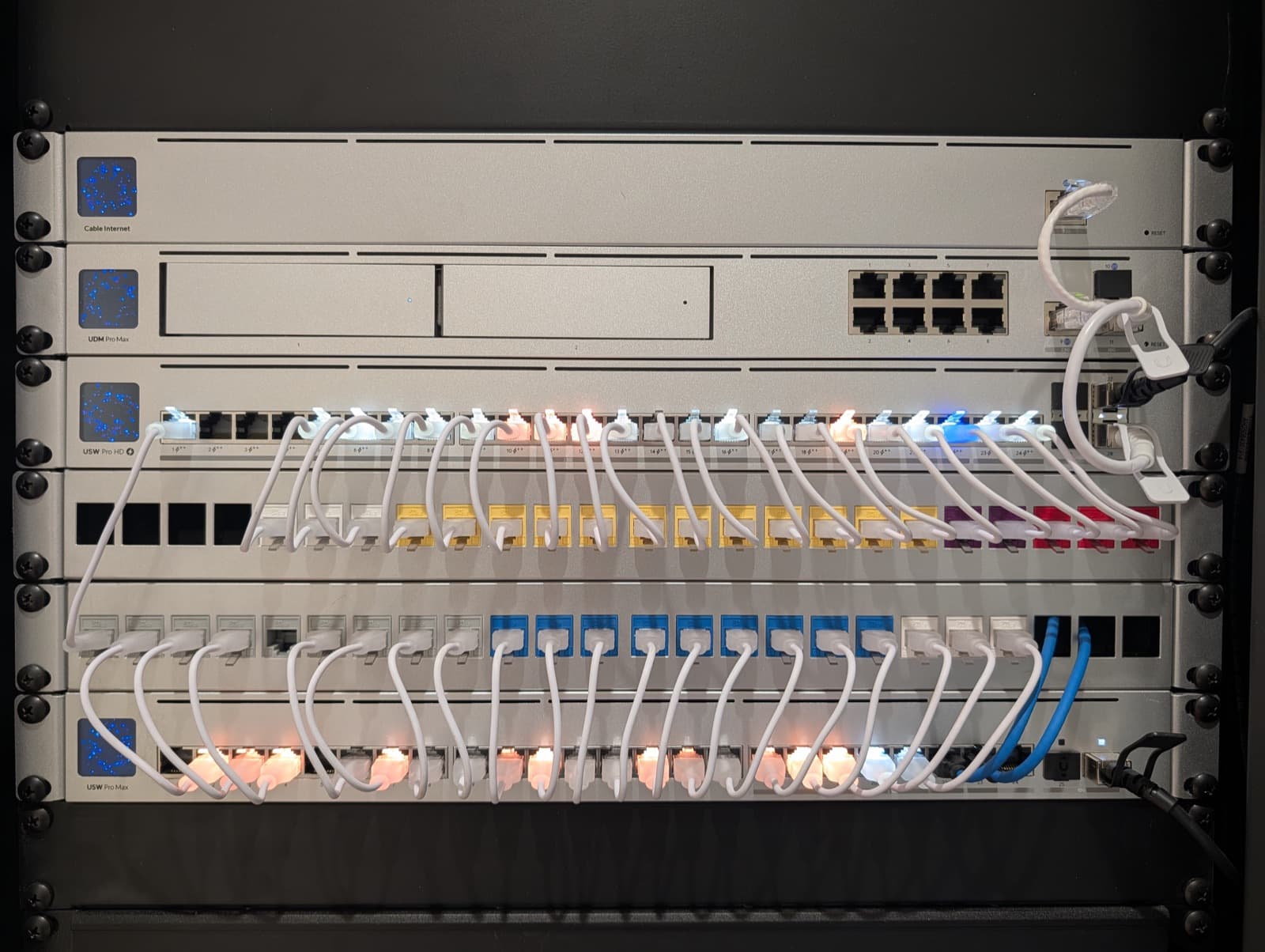
There's a specific misery to WiFi in a beautiful old house: full bars in the kitchen, nothing in the primary bedroom, a video call that dies when someone opens the microwave. Owners usually blame the internet provider or the router. In Pasadena, South Pasadena, Altadena, and the other older neighborhoods we serve, the real culprit is nearly always the house itself — and it's fixable, permanently, once you treat it as an engineering problem.
Your walls are the problem (and they're worth it)
Homes built before roughly 1950 have lath-and-plaster walls, and many plaster jobs went on over a layer of wire mesh. That mesh behaves like a partial Faraday cage: a WiFi signal that sails through modern drywall loses a large share of its strength at every plaster wall it crosses. Add the deep, room-after-room floor plans these houses were built with, and a single router — wherever the cable company happened to enter the house — never had a chance.
Stucco exteriors have the same mesh, which is why the signal dies completely at the patio, and why the detached garage, studio, or ADU is a dead zone no plug-in gadget has ever fixed.
Why mesh kits disappoint here
Consumer mesh pods are designed for exactly the house Pasadena doesn't have: open plans and drywall. Each pod relays wirelessly to the next, and each wireless hop sacrifices a large fraction of the speed — through plaster, the relay itself arrives weak before it's re-broadcast weaker. Owners end up with four glowing pods and the same dead bedroom, plus a new failure mode: devices clinging to the wrong pod.
What actually works
The fix is the one commercial buildings have used all along: a wired backbone. Ethernet doesn't care about plaster. We run cable to two, three, or four ceiling-mounted access points positioned by coverage design — where the signal is needed, not where the cable enters — so every access point broadcasts at full strength and devices hand off between them seamlessly.
In a historic home, the craft is in the routing: existing conduit, closets, attic and crawl-space paths, cable fished behind original fabric rather than through it. The visible result is a small ceiling disc or two; the invisible result is full-speed coverage from the front porch to the back studio.
We build on Ubiquiti's UniFi platform — enterprise-grade hardware you own outright, with the network segmented so cameras, smart devices, and guests never share space with your personal devices, and managed remotely by our team so problems are often fixed before you notice them.
The detached garage, finally connected
For outbuildings, the gold standard is a buried fiber or Ethernet run to a wired access point inside the structure — same network, full speed, rain or shine. Where trenching genuinely isn't possible, a professional point-to-point wireless bridge outperforms any consumer extender by an order of magnitude. Either way, the ADU stops being a different, worse internet.
What to expect
A network upgrade in an older home starts with a walkthrough: construction, floor plan, where cabling can run, and what the network actually has to carry. The design comes back in writing — access point locations, backbone routing, rack location — and most installations take days, not weeks. The result isn't a stronger version of the WiFi you have; it's the end of thinking about WiFi at all.